
Simply put, a Call of Duty cheat being "compatible" requires at least three conditions to be met simultaneously:
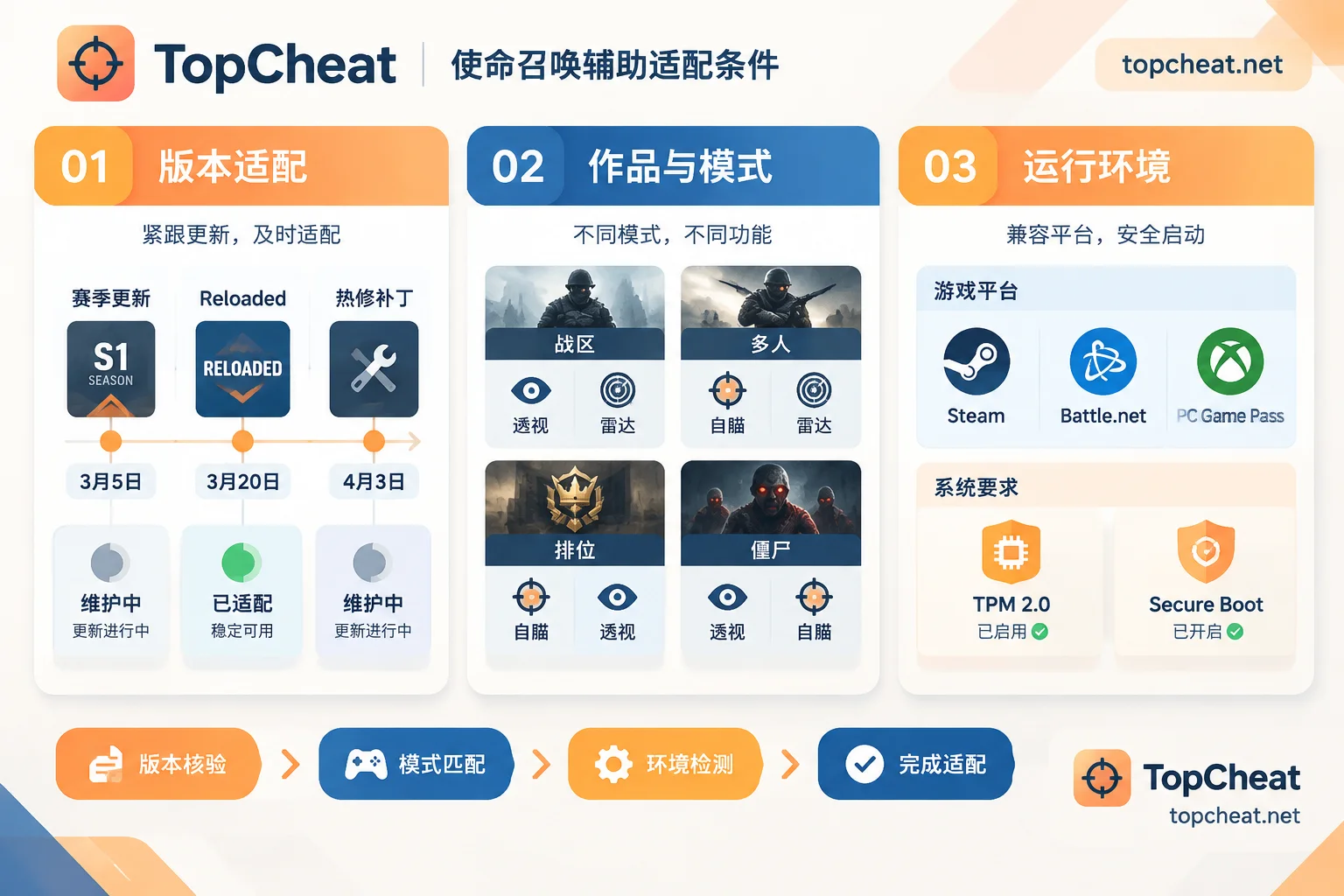
- It supports the current game version, including the latest season update, mid-season update, or hotfix patch.
- It supports the specific title and mode you want to play, such as Warzone, a particular main series multiplayer, ranked, or Zombies.
- It can run in your client and system environment, including Steam, Battle.net, or PC Game Pass versions, as well as relevant Windows security settings.
If any of these three is missing, the "compatibility" is incomplete. After each game update, first check the product page's maintenance status, then confirm the title, mode, and environment, and finally launch the game. The following explains what to check for each item in order.
1. Version Compatibility: Reconfirm After Every Game Update
Call of Duty updates frequently. In addition to major seasonal versions, there are mid-season Reloaded updates and irregular hotfix patches. Each update can change the game client's program structure and memory data locations. Cheats rely on reading this data to locate player positions, draw wallhacks, or calculate aimbot, so after a game update, these data locations need to be re-identified for the cheat to work properly.
Updates involve more than just the game itself. Activision's RICOCHET anti-cheat runs as a kernel-level driver on PC, and its detection strategies are continuously adjusted with each season. If you launch the cheat before it has been adapted to the new version, common outcomes include game crashes or feature misalignment; a higher risk is account detection.
So the first step after an update is to open the product page and check the current status:
- Shows under maintenance or updating: Do not launch; wait for the status to recover.
- Shows compatible: Then check whether it corresponds to the title you currently want to play.
- Just a very small hotfix patch: Also check the status first. Patch size has no direct relation to whether it affects the cheat.
The specific version number of a hotfix and the completion time of maintenance can only be based on the real-time announcements on the product page. This article cannot determine for you whether a particular hotfix has been handled.
2. Title and Mode: Different Titles and Modes Require Separate Confirmation
"Call of Duty" is a series name, not a single game. Warzone (Battle Royale, Plunder), Modern Warfare series, and Black Ops series titles share a launcher, but their game content and data structures are different. Supporting one generation's multiplayer does not mean supporting another, nor does it mean supporting Warzone.
The commonly used features also differ by mode:
- Warzone: Large map, long engagement distances. Player ESP and UAV radar are mainly used to know the positions of enemies at a distance and behind cover, and are the most commonly used features in this mode.
- Main series multiplayer, ranked: Fast-paced with frequent close-quarters fights; smooth, stable aimbot is more commonly used, and ESP is mainly for predicting corners.
- Zombies and other PvE modes: Requirements differ greatly from PvP modes, and support must be confirmed separately.
- Unlock features: The content unlocked is related to the title, so you need to see clearly which generation it is for and what content is unlocked.
TopCheat's Call of Duty cheat product page currently publicly lists player ESP, aimbot, UAV radar, and unlock features. Before purchasing, match each feature to the specific title and mode. If a combination is not stated on the page, do not assume it can be used.
3. Runtime Environment: Client and System Security Settings
Client version. The same Call of Duty may come from Steam, Battle.net, or PC Game Pass. Different clients have differences in file structure and permissions, and some modules (such as local cosmetic unlocks) may be affected. Before purchasing, confirm whether the product page states support for the client you use. If not clearly stated, ask customer service first.
Windows security settings. In recent years, Activision has gradually added hardware-level verification such as TPM 2.0 and UEFI Secure Boot on PC, along with account measures like SMS verification. These are first and foremost admission conditions for the game itself; if not met, you may be unable to enter ranked and matchmaking may be restricted. So what needs to be confirmed here is: whether the cheat can run normally in a system with these settings enabled, rather than disabling these settings to accommodate the cheat. After disabling them, you may not even be able to use some game features.
On the system side, also confirm the Windows 10/11 support scope stated on the product page and compare it with your own system version.
4. A Verification Order You Can Follow
After each game update or when preparing to switch modes, check in the following order:
- Confirm whether the game has just updated: Check if the launcher has just downloaded a patch.
- Check the product page status: Confirm whether it shows compatible and pay attention to recent maintenance announcements.
- Verify the title: Confirm whether the page supports the generation you want to play, or Warzone.
- Verify the mode: Confirm whether multiplayer, ranked, Warzone, or Zombies are all within the supported range.
- Verify client and system: Check whether Steam, Battle.net, or PC Game Pass is supported, and whether your Windows version and security settings meet the requirements.
- Try on a small scale first: After opening, first check whether ESP positions and radar match, then use features like aimbot that rely on data accuracy.
If any of steps 2 to 5 cannot be confirmed, ask customer service first; do not guess.
5. How to Consider Compatibility When Choosing a Plan
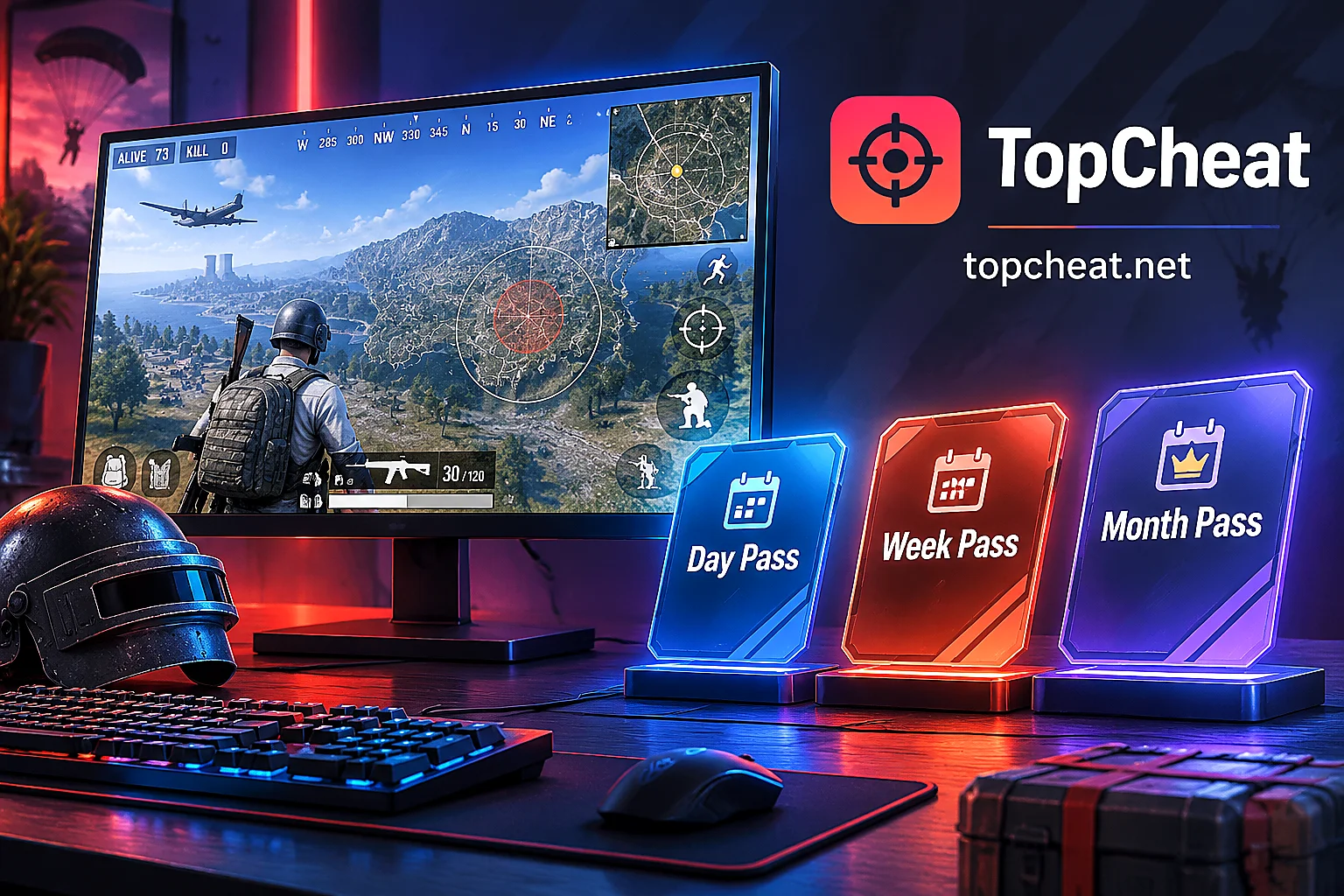
The official website offers daily, weekly, and monthly cards for Call of Duty. License keys are only for the corresponding game; device binding and unbinding conditions are subject to the product page, and they cannot be used across different games. Considering compatibility, you can choose as follows:
- Season just updated, status still changing: You can start with a daily card to confirm that your title, mode, and environment all work properly.
- Status stable, mainly playing one mode: Consider a weekly or monthly card to reduce renewal frequency.
- Frequently changing computers: Before purchasing, check the device binding and unbinding rules.
Specific prices and current maintenance status are subject to the TopCheat Call of Duty product page.
Finally, it should be noted: "compatible" means the cheat can run normally on the current version, and does not mean there is no account risk. Anti-cheat will continue to update, and no product can guarantee no ban permanently.
If you also play other games that require frequent version verification, you can refer to How to confirm maintenance and compatibility status after Rainbow Six Siege cheat updates; the verification method is basically the same. To learn about hardware solutions for reading game data, see What DMA actually does in game cheats.


Comments(0)