
When preparing to buy a PUBG cheat, many players, after reviewing the feature list, often get stuck on the last question before payment: How to choose between daily and monthly passes for PUBG cheats? Is it more cost-effective to directly buy a monthly pass, or should I start with a daily or weekly pass as a transition?
Choosing a pass duration is not just about calculating the "average daily price." For a PC game like PUBG, which has routine weekly maintenance, major and minor version updates every month, and cheat keys with HWID binding rules, your play frequency, current version window, and whether your device environment is fixed directly determine which pass duration is more suitable for you.
This article combines the actual schedule nodes at the end of PUBG's 43.2 version in early November 2026 and the public service description on the TopCheat PUBG cheat product page to break down the applicable scenarios and pre-order details for daily, weekly, and monthly passes.
1. What are the core differences between daily, weekly, and monthly passes?
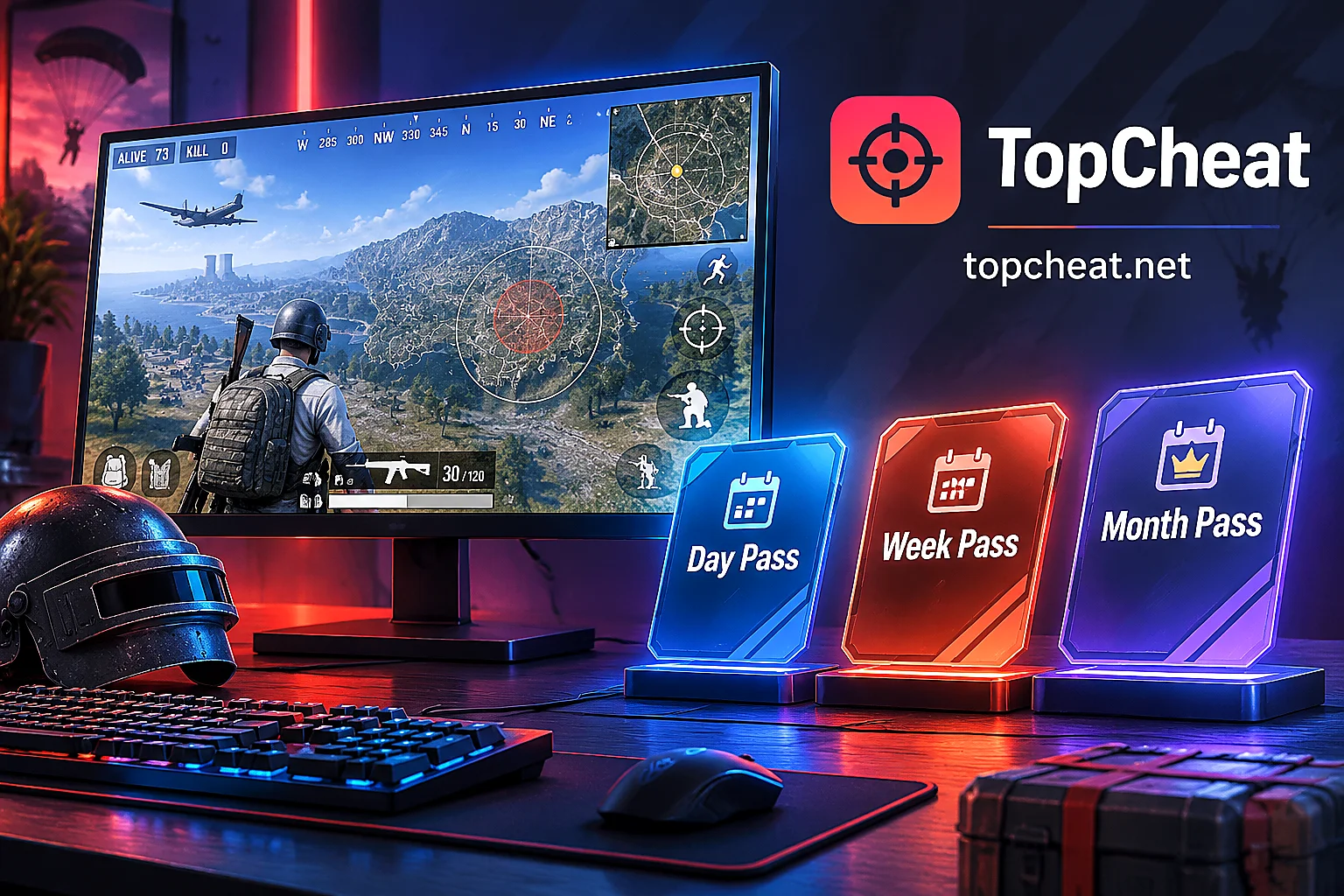
In TopCheat's per-game authorization system, for the same game's cheat product, the daily, weekly, and monthly passes are completely identical in core functional modules. Regardless of the duration you choose, the PUBG cheat section delivers the same set of features including:
- Player / vehicle / loot ESP: highlights enemy positions, vehicle spawn points, and ground loot distribution on the screen;
- Magnetic aimbot: provides crosshair snapping assistance during firing and tracking;
- Radar display: provides global direction, distance, and player count reference on the top-down map layer.
Since the features are not reduced or tiered, the differences among the three pass types lie in time cost, environment verification cost, and device unbinding quota.

1. Daily Pass: Low-cost environment verification and temporary weekend play
A daily pass has the shortest validity and lowest one-time investment. Its core purposes are two:
- First-time hardware and software environment verification: If you are using it on your current computer for the first time, or just reinstalled the system or changed monitor resolution, and are not sure whether the rendering frame rate of player/vehicle/loot ESP is smooth and whether the magnetic aimbot feel matches your recoil control habits, buying a daily pass first is the safest way to verify (the official website does not offer free trials, so a daily pass is the lowest-cost real-machine confirmation method).
- Pure weekend/holiday fragmented play: For players who are busy with work or study during the week and only play one night on Friday or Saturday, buying daily passes per session avoids wasting weekly or monthly passes on weekdays.
2. Weekly Pass: Short-term event sprint and pass completion
A weekly pass is the middle tier, suitable for players with clear goals who will be online frequently within 5–7 days.
Taking the early November 2026 43.2 version node as an example:
- Event Pass: Dawnbreakers and the Rondo Dawnbreakers mode on PC will end before the November 4 live server maintenance;
- Survival Pass: The Villains and the PUBG x Bentley collaboration event token crafting on PC will end on November 11.
If you are in such a week-long sprint at the end of a season or pass, needing to grind match time for several consecutive days, complete missions for rewards, or focus on ranking up when the map rotation includes your favorite Erangel, Taego, or Rondo lineup, the cost-effectiveness and duration of a weekly pass fit perfectly.
3. Monthly Pass: The go-to solution for fixed-device and high-frequency ranked players
If you are online 3–4 days or more per week and play competitive mode or normal matchmaking on the same home computer, the average daily cost of a monthly pass is obviously much lower than frequently renewing daily or weekly passes. In addition, a monthly pass saves the steps of re-ordering and extracting the key before each session, suitable for veterans who have already mastered the parameter combinations of ESP, radar, and magnetic aimbot (if you are not yet familiar with the specific modules, you can first read "What Features Do PUBG Cheats Have: The Role of Magnetic Aimbot, Player/Vehicle/Loot ESP, and Radar, and Pre-Order Checklist for Version 43.2").
2. Considering PUBG's version rhythm: check the calendar before choosing a pass
Unlike other single-player or older online games with slower update cycles, PUBG has a very fixed Wednesday routine maintenance mechanism (usually starting at 8:00 AM Beijing time on Wednesdays, with or without downtime) and a major version iteration once a month (such as the 43.2 version launched in mid-October and the upcoming mid-November version change).
When deciding between a daily or monthly pass, it is advisable to take official maintenance and anti-cheat update rhythms into account:
- Prioritize daily passes as a transition before major version updates
Each major version change or anti-cheat upgrade (refer to the previous analysis in "PUBG October 2026 Version Anti-Cheat Upgrade: How Can Players Maintain an Information Advantage?"), the game client's underlying data will change, and the cheat tool will also need corresponding version adaptation and maintenance. If there are only one or two days left before the major version downtime maintenance and you have not used that version before, you can first experience it with a daily pass, or wait until the major version maintenance is completed and confirm that the PUBG product page status shows normal (Undetected) before directly purchasing a weekly or monthly pass. - Calculate daily pass activation time to avoid the Wednesday morning downtime window
If you only plan to buy a daily pass for a day of fun, try not to activate it late Tuesday night or early Wednesday morning. Because when there is a 4–8.5 hour live server downtime maintenance on Wednesday morning, the effective play time will be greatly reduced. Only by staggering the activation away from the maintenance window can you use every hour of the daily pass to the fullest.
3. Device binding (HWID) and cross-platform misconceptions: two hard rules affecting pass selection
Many players, when struggling between daily and monthly passes, often overlook the restrictions of the usage scenario on key binding. Before ordering on TopCheat, two rules must be matched in advance:
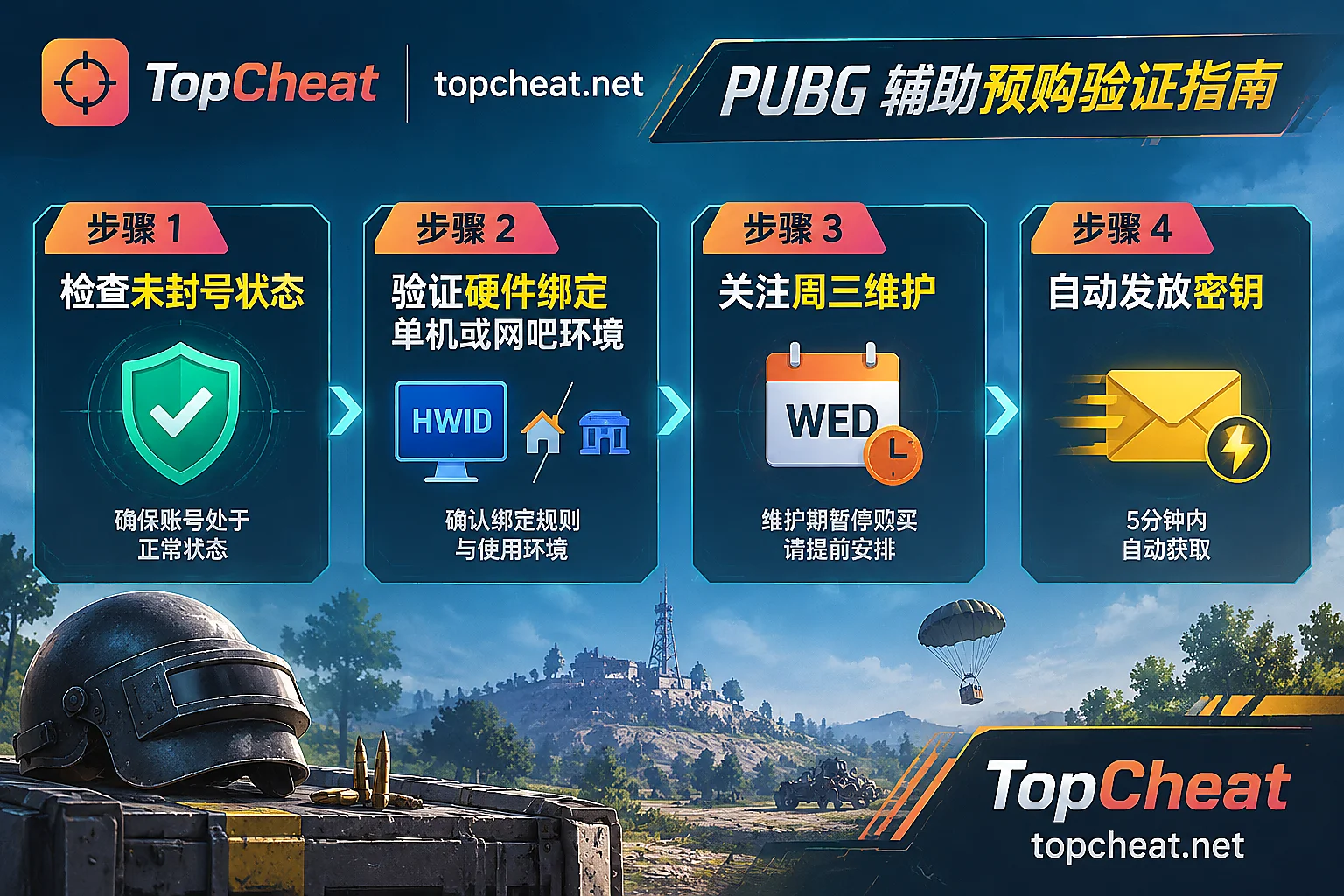
1. Internet cafe players vs home fixed computer: note single-device binding and unbinding limits
TopCheat's keys use a single-device binding (HWID Lock) mechanism, and the binding and unbinding conditions for different games are independent of each other.
- If you play on a fixed home PC, buying a monthly pass has no obstacles; even if you upgrade hardware or reinstall the system midway, you can contact 7×24 online customer service to request unbinding the old machine and binding the new device before switching (the number of resets per billing cycle is limited).
- But if you are an internet cafe player who frequently changes machines, the machine code may be different each time you boot. Once frequent machine changes are triggered, the monthly pass can easily fail to continue switching devices because it exceeds the unbinding limit within the cycle. Therefore, players who often play on different machines in internet cafes are advised to prioritize purchasing daily passes per session, or before ordering a weekly/monthly pass, first confirm with customer service the specific unbinding rules for the current PUBG version.
2. PC and mobile/emulator keys are not interchangeable
TopCheat does not have a so-called "all-platform universal key."
- The daily, weekly, or monthly pass you purchase in the PUBG section is only applicable to the PC version of PUBG: BATTLEGROUNDS client.
- If you play Peacekeeper Elite on mobile or Tencent's HD emulator, it corresponds to a separate product line including player/loot ESP, aimbot, and no-recoil, and you need to go to the Peacekeeper Elite cheat section to separately verify the phone, tablet, or emulator environment and purchase the corresponding key; the two cannot be mixed.
4. Pre-order 4-step checklist
To ensure that you can smoothly enter the match within 5 minutes after payment and receiving the key, it is recommended to check in the following order before selecting a daily, weekly, or monthly pass:
- Check real-time status: Open the TopCheat PUBG product page and confirm whether the current status indicator is normal and available (Undetected), rather than under maintenance/update (Updating).
- Determine feature requirements: Confirm whether player/vehicle/loot ESP, magnetic aimbot, and radar meet your playstyle (to learn about the specific division of labor between radar and ESP in building attacks/defenses and rotations, you can refer to "What Can PUBG Cheat Radar See: Differences from ESP, Common Forms, and Pre-Order Check Items").
- Match online frequency and machine environment: For first attempts or internet cafe machine changes, choose a daily pass; for sprinting the November pass and short consecutive holidays, choose a weekly pass; for long-term ranked play on a fixed home computer, choose a monthly pass.
- Confirm real-time pricing and binding details with customer service: Package prices and activities in different periods are subject to the official product page and real-time quotes from Telegram / online customer service. Before payment, you only need to prepare an email to receive the key; no game account or password is required.
If you are also playing other shooter or extraction games, you can directly visit the TopCheat game directory to check the independent adaptation status and key plans for each game.



Comments(0)