
Let's get straight to the point: in PUBG, "ESP" isn't a single switch—it's a set of independent information layers. The PUBG product page on the TopCheat official website publicly lists these modules: Player ESP, Vehicle ESP, Loot ESP, Radar, and Magnetic Aim Assist. The first four provide information you can't see, and the last handles the moment you pull the trigger. Most people find it awkward because they turn everything on at once, flooding the screen with boxes and text, which actually makes it harder to judge than playing without them.
Below, we break down each module by the question it answers during a match.
Player ESP: Distance, Occlusion Status, and Stance—These Three Decide Whether to Fight
The most valuable information in a battle royale is "where is the enemy, how far, and can I shoot now?" Player ESP solves exactly these three things:
- Distance number: PUBG bullets have drop and travel time. 200 meters and 350 meters require different recoil control and lead. Knowing the exact distance is far more reliable than estimating from scope markings.
- Occlusion status: A common approach is to display targets blocked by walls, rocks, or buildings in a different color. This is more important than just "seeing" the enemy—it directly tells you whether shooting now will hit a solid object or a cover, and whether the enemy can already see you.
- Stance and health: Prone, crouch, or standing, combined with a health bar, lets you infer whether the enemy is holding an angle, looting, or healing. A low-health enemy healing and a full-health enemy prone at a window holding you are handled completely differently.
In practice, the most important setting for Player ESP is the maximum display distance. Showing unlimited distance on a large map like Erangel will clutter the screen edges with people 800 meters away who are irrelevant to you. Cap it to the effective engagement range of your weapon (e.g., 300–400 meters), and the information becomes readable again.
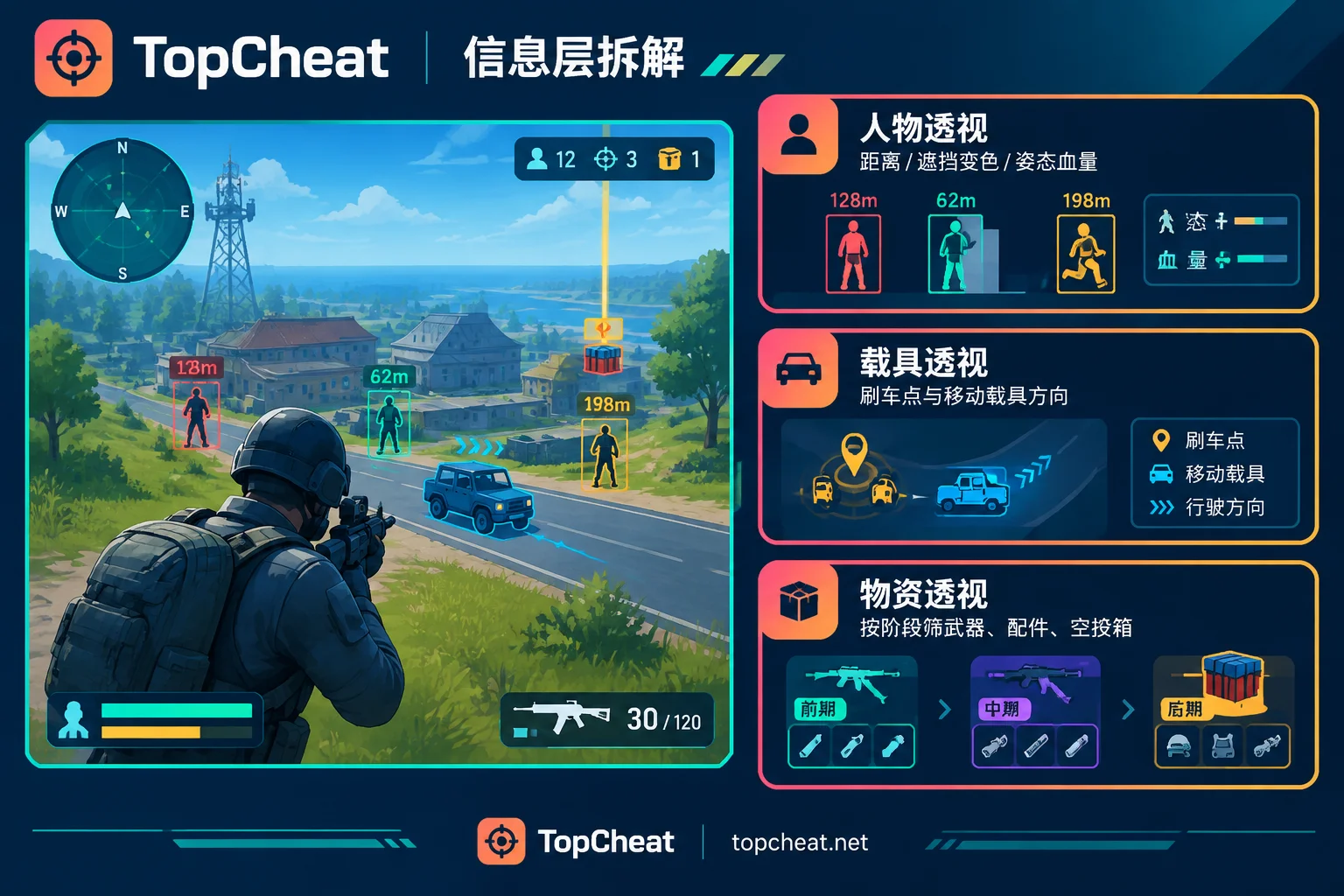
Vehicle ESP: Core During Rotations, Not for Shooting Cars
Vehicle information is often treated as a secondary feature, but its value peaks during the rotation phase after the safe zone updates.
First, finding vehicles. Without vehicle info, you rely on luck or memorizing spawn points; with vehicle markers, you can directly judge which direction the nearest one is and whether it's worth running an extra 200 meters.
Second, reading opponent movements. A moving vehicle on screen is clear intel: a squad is rotating into the zone, and their route can be roughly inferred. You can decide whether to hold a roadblock early or avoid that path and take the ridge. Engine sound only gives a vague direction; vehicle markers give direction plus distance.
Third, clearing判断 before the final circle. Several empty cars parked inside the zone often mean the corresponding squads are already positioned in nearby buildings or on a hill.
Loot ESP: What You Really Need to Filter Is What You Don't Need
Loot ESP in PUBG is different from extraction shooters. In games like Tarkov or Delta Force: Hawk Ops, the in-raid economy focuses on filtering by value (for that logic, see How to Set Loot Filters in Delta Force Assists); PUBG has no extraction economy, so loot value is functional—what you lack is what's valuable.
So the sensible use of loot display is to adjust by phase:
- Landing phase: Only show weapons, helmets, and armor. At this point, you need to find a gun ASAP; energy drinks on the ground aren't worth screen space.
- Mid-game: Turn on attachments and meds. 8x scopes, muzzle compensators, and first aid kits determine your subsequent combat capability.
- Airdrops: Enable airdrop crate markers separately. PUBG airdrops contain AWM, MK14, and level 3 armor. Markers let you quickly judge crate landing spots and timings when multiple squads contest, deciding whether to push or hold.
Showing all items at once is just creating visual noise for yourself—a net negative during landing fights.
Radar and ESP Are Not the Same
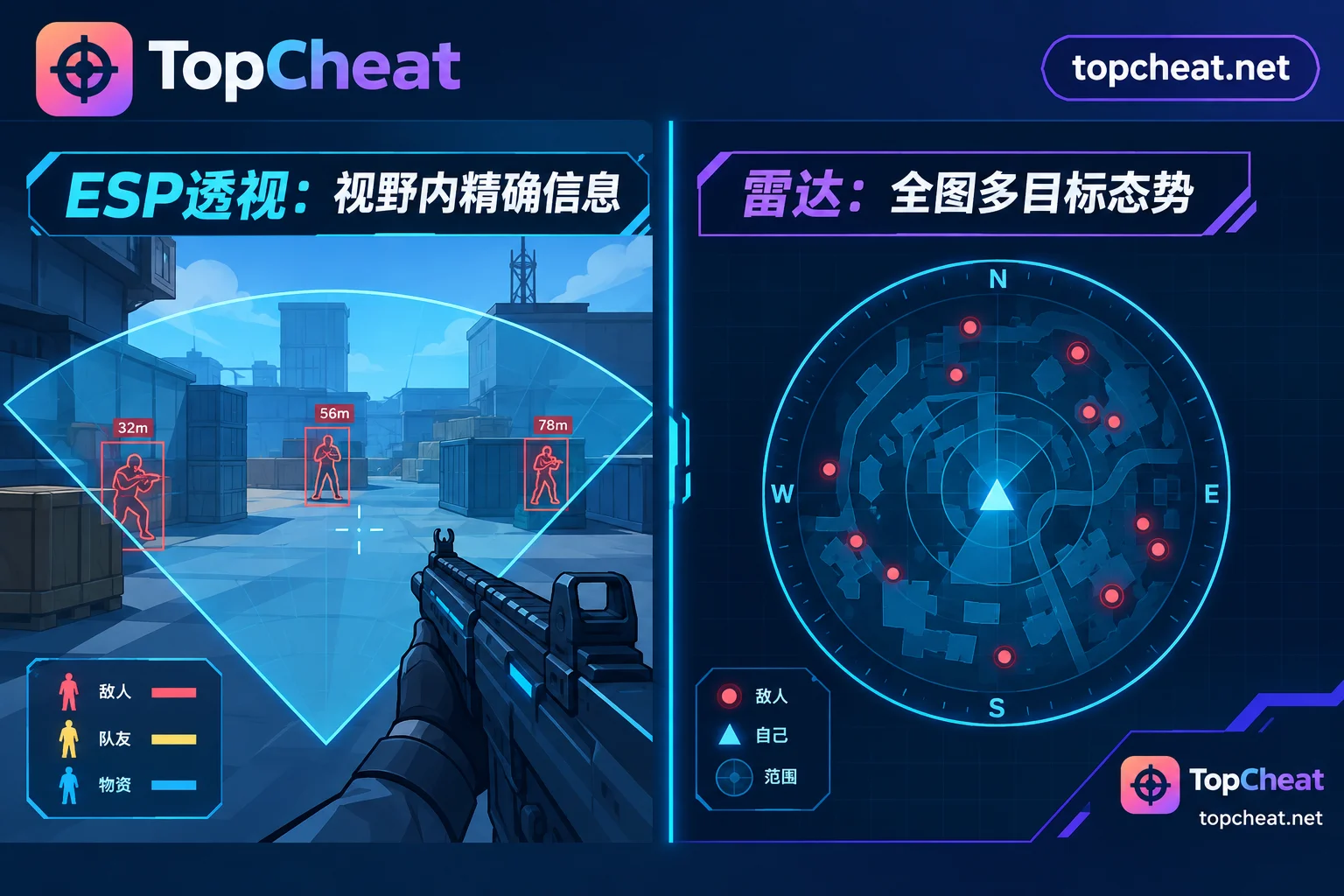
This is the most commonly confused point. ESP (extra-sensory perception) is drawn on the game screen; what you see depends on your view direction and distance. Radar is a top-down minimap, independent of your current facing.
The difference is concrete in combat:
- You're holding a window in a building. ESP only shows the sector outside the window; radar simultaneously tells you if someone is sneaking up the stairs behind you.
- In a final circle shrunk to tens of meters, enemies are all around. ESP requires you to constantly turn your view to confirm; radar shows the relative positions of multiple targets at a glance.
- In multi-story buildings, radar's flat projection makes it easier to read the rough vertical relationship (upstairs vs. downstairs).
Conversely, radar can't provide precise distance, stance, or specific positions needed for aiming. So the two are complementary: radar for global situational awareness, ESP for specific engagements. If you only want one, ask yourself whether your problem is "always getting flanked" or "can't read enemy status during fights."
The Role of Magnetic Aim Assist in PUBG
PUBG guns have recoil, bullet drop, and travel time, meaning aim assist behaves differently here than in instant-hit games like CS2 or VALORANT. TopCheat labels it "Magnetic Aim Assist" on the PUBG page, and the name itself indicates its positioning—it leans toward providing a sticky feel when aiming, not doing full ballistic calculations for you.
Two practical reminders:
First, you still need to lead and compensate for drop at medium to long range. Expecting stickiness to solve a moving target at 400 meters will mostly miss.
Second, lower the stickiness strength. PUBG fights are often multi-squad brawls; strong stickiness will drag your crosshair back when you try to switch targets, causing more harm than good. Its value at close range is mainly recoil stabilization and first-shot correction.
If you mainly play an information-based style (holding angles, zone control, flanking), the returns from ESP plus radar are clearly higher than from aim assist.
Choosing a Card and Verification: Don't Reverse the Three Steps
Step one: Check current status. After game updates, assists usually need re-adaptation. The product page will mark whether it's on sale or under maintenance. Don't order just because you see a feature list—first confirm it's currently usable. PUBG officially continues to crack down on unauthorized third-party programs through kernel-level anti-cheat and behavioral detection, explicitly prohibiting reading game memory, injecting data, or modifying render UI, and bans abnormal view information acquisition. This is why adaptation progress and update frequency matter more than feature count. Any claim of "absolutely no ban, permanently safe" should not be a basis for judgment.
Step two: Match the feature list. Which ones will you actually use? Only ESP and radar, or aim assist too? Based on the sections above, first clarify whether you lack situational info or combat capability, then check the page for what the current version actually offers.
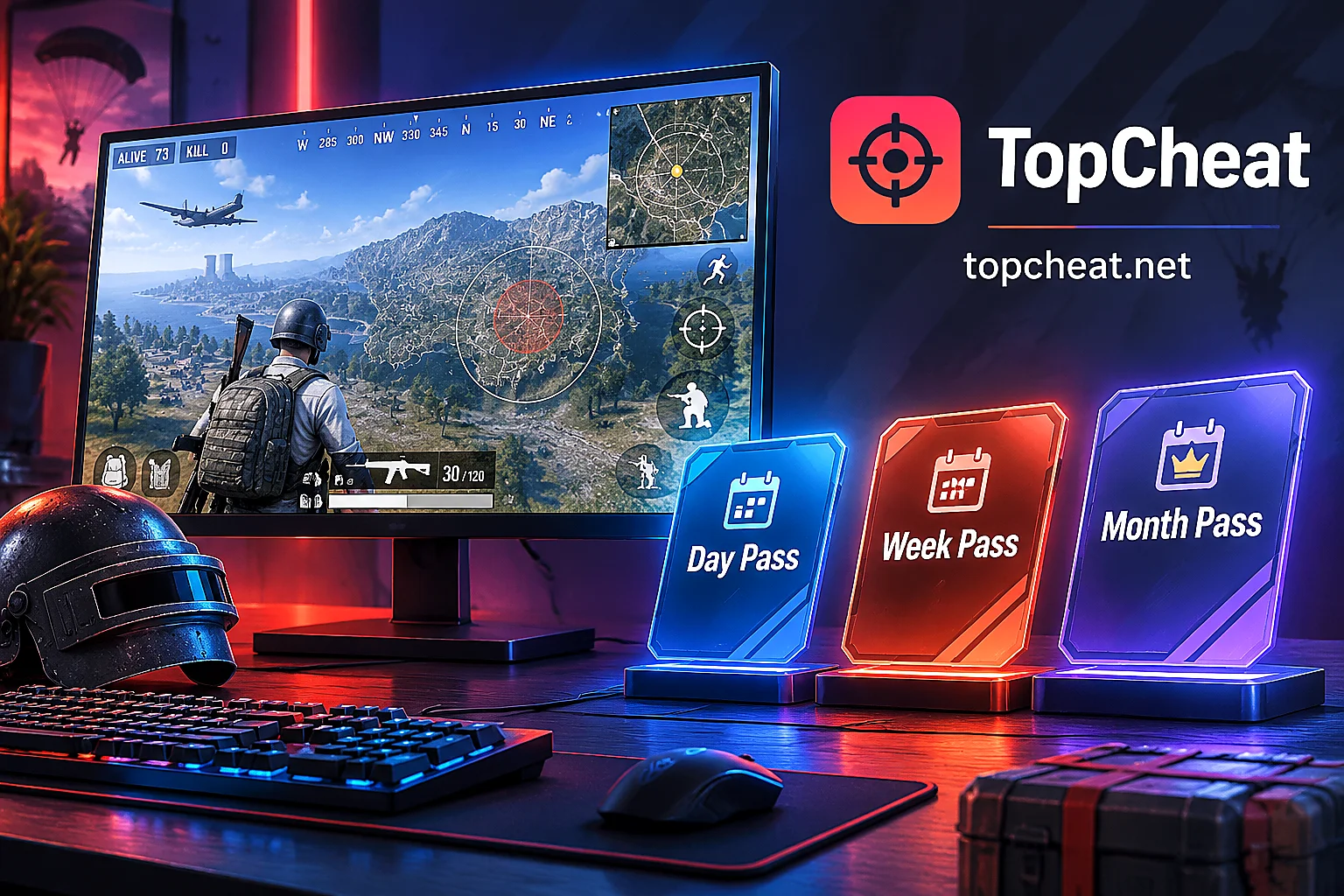
Step three: Choose a duration. Daily, weekly, and monthly cards differ beyond unit price. A daily card suits first-timers who want to confirm their PC can run it; a weekly card suits weekend gaming sessions; a monthly card suits stable long-term play. Note that license keys for different games are independent and usually bound to a single device—there's no one card for all games. For specific binding/unbinding conditions and real-time pricing, refer to the corresponding product page checkout info.
For the current feature list, supported versions, and sale/maintenance status, check directly on TopCheat's PUBG product page. Also, regarding hardware solutions—whether DMA is mandatory for stability—see this explanation of DMA's role to avoid being misled by claims that "without external hardware it definitely won't work."
One-Sentence Version
Treat PUBG ESP assists as four independently switchable information layers: Player ESP answers "fight or not, how to fight," Vehicle ESP answers "how to rotate, who's rotating," Loot ESP filters what to see by phase, and Radar adds global awareness beyond your view. Turning everything on doesn't mean using it well—enable the layer you're missing for your current playstyle, and the screen becomes readable.


Comments(0)