
Many players searching for PUBG cheats (PlayerUnknown's Battlegrounds cheats) often encounter two problems: first, they see a bunch of flashy terms but can't distinguish which modules actually address their pain points; second, they blindly buy right after a game version patch without checking the client environment, mode scope, and current maintenance status in advance.
According to the publicly listed feature descriptions on the TopCheat PUBG product page, the current core modules of the PUBG cheat focus on three items: player/vehicle/loot ESP, magnetic aim, and radar. Previously, we have separately broken down the various sub-modules of PUBG ESP and the difference between PUBG radar and ESP. This article takes a different angle, starting from the complete match loop of "information acquisition" to "crosshair control", focusing on the role of magnetic aim, how the three modules work together, and the items that must be checked before ordering after the 43.2 version update in October 2026.
1. What problems do the three core modules of TopCheat PUBG cheat solve?
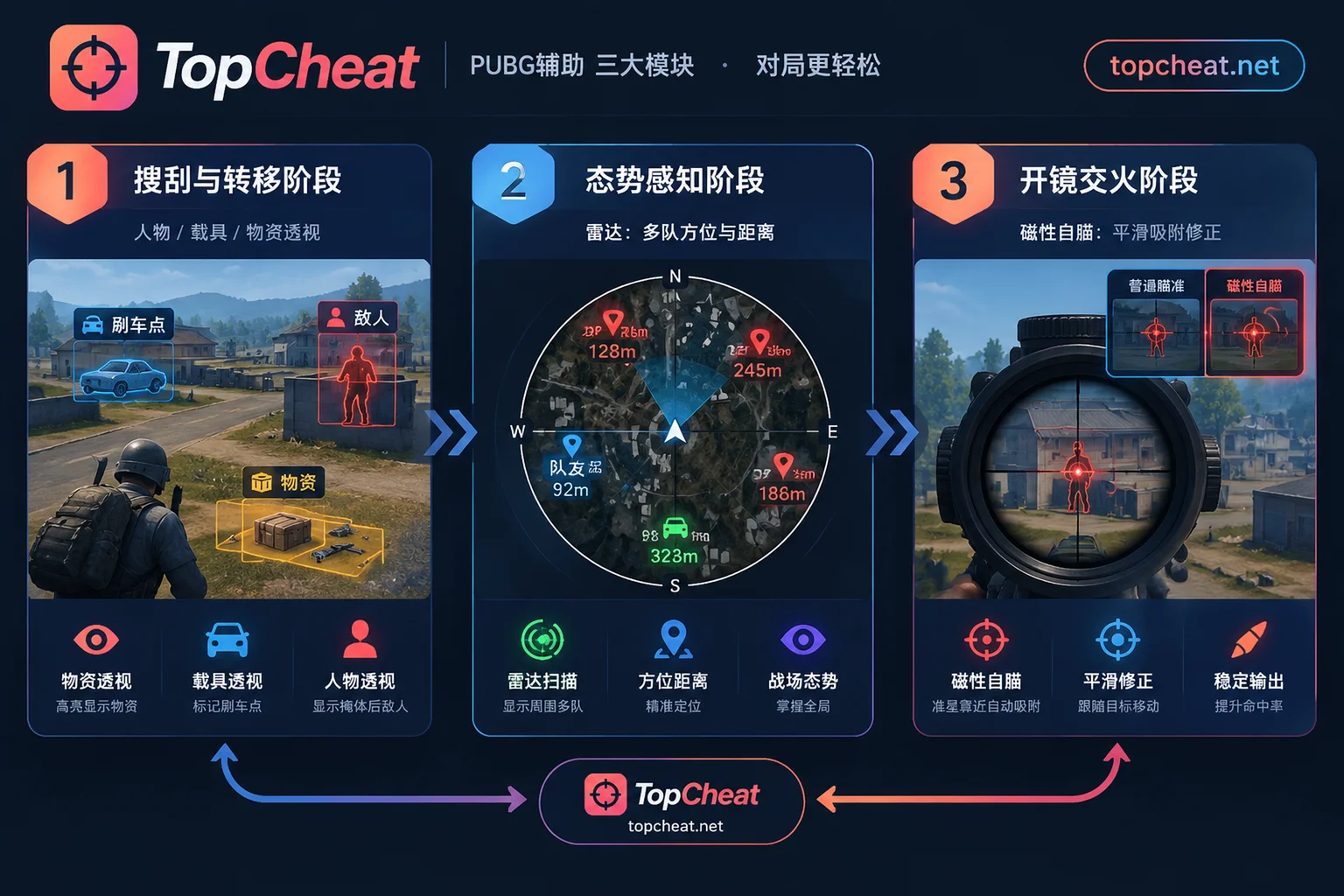
In a battle royale match of PUBG: BATTLEGROUNDS, the player's decision chain usually consists of three steps: find resources and plan rotation routes → detect and lock nearby threats → scope in and win the gunfight. The three features provided by TopCheat correspond exactly to these three stages:
Player/Vehicle/Loot ESP (direct visual information in-game)
- Loot ESP: directly highlights high-value weapons, scopes, armor, and healing items during the landing and looting phase, saving time spent searching room by room.
- Vehicle ESP: marks vehicle spawn points and available vehicles at medium to long distances, reducing the passive situation of having no vehicle while running from the blue zone.
- Player ESP: marks the position and posture of opponents behind visual obstacles in the main view, solving the problem of blind spots during building attacks/defenses and reverse slope standoffs. For detailed explanations of the reading logic of these three types of ESP, see "What modules does PUBG ESP have: what player, vehicle, loot, and radar each read".
Radar (global orientation and multi-team situational awareness)
- ESP is limited by the player's current screen orientation, while radar presents the direction and distance of targets within a certain range in a top-down view. When multiple teams are fighting in the final circle, or when you need to determine if someone is approaching from the side or rear, radar provides a global orientation reference that doesn't get lost as the camera moves. Players who want to learn more about radar forms can read "What can PUBG radar see: differences from ESP, common forms, and pre-purchase checklist".
Magnetic Aim (crosshair correction during firing and tracking)
- ESP and radar only "provide information" and do not alter mouse input; magnetic aim acts during the "scope aiming and tracking" phase, compensating for issues such as over-flicking or intermittent tracking of moving targets.
2. Focus: What exactly is "Magnetic Aim" in PUBG cheats?
Among the three features, many players new to PUBG cheats are most confused about the concept of "magnetic aim" and easily confuse it with exaggerated rage-like lock-on.
1. How magnetic aim works: attraction within range and smooth correction
The core logic of so-called "magnetic aim" is to simulate the attraction of a magnet when near a target. When the player's own crosshair has already moved near the target character (entering the set angle/range) and triggers the corresponding key, the cheat provides a correction force that pulls toward the target body part, helping the crosshair adhere more smoothly to moving or stationary targets.
Compared to the rigid instant snap of the crosshair, magnetic aim emphasizes assisted tracking based on manual gun control:
- Higher tolerance for flicking: when scoping in during medium-to-close encounters, as long as you manually pull the crosshair roughly near the opponent's body, magnetic correction helps converge small deviations.
- More consistent tracking during sustained fire: when the opponent strafes between cover or runs, magnetic aim reduces shaking and misses during fine hand adjustments.
2. Boundaries and limitations of magnetic aim
When evaluating whether magnetic aim meets your needs, you also need to understand what it cannot do:
- Does not change physical cover blocking: magnetic aim only corrects crosshair direction; it cannot make bullets pass through cover, walls, or slopes. Therefore, it usually needs to be combined with player ESP to determine if the opponent is in an exposed, shootable state.
- Not equivalent to exaggerated features that bypass game mechanics: according to public information on the PUBG cheat product page, our PUBG product offers magnetic aim and does not list "no recoil", "silent aim", or "predictive aim" as feature modules for this product. The underlying mechanics and cheat configurations of different games are completely independent; do not apply feature descriptions from other shooting games to PUBG.
3. Combined with the October 2026 PUBG 43.2 version update: which in-match changes affect cheat usage?
The PC live server of PUBG: BATTLEGROUNDS completed the 43.2 version update on October 14, 2026 (console schedule is October 22). Based on the gameplay changes in the official update announcement, players using ESP, radar, and magnetic aim together should pay attention to the following scenario changes:
1. Unified vehicle spawns in normal and ranked matches
In the 43.2 version, the official team made vehicle spawn balance adjustments to six maps: Erangel, Miramar, Taego, Vikendi, Deston, and Rondo. Normal mode and ranked mode will use consistent vehicle types and spawn counts, and each applicable map will spawn 6 Motor Gliders (2 fixed spawn points with fuel, 4 random spawns).
- Impact on cheat modules: after vehicle spawn patterns in normal and ranked matches become consistent, using vehicle ESP to confirm fixed and random spawn points in advance (especially to grab a glider or rotation vehicle), and to identify nearby vehicle movements during the PUBG x Bentley collaboration, becomes much more straightforward than relying on memory alone.
2. In-game marker distance limit and information gap
The 43.2 version optimized the message wheel menu and item marker display, stipulating that item markers in the scene only display within 300 meters, and changed supply crates, loot boxes, vending machines, etc. to scene markers.
- Impact on cheat modules: native item markers are limited by distance and teammate vision. In solo play or when communication with random squad members is poor, loot ESP and radar remain the core information sources to reduce looting blind spots and detect nearby enemies within or beyond 300 meters in advance.
3. New PvE arcade mode "SLB: Rondo Dawnbreaker" and Bluebomb Lab
This update launched a four-player co-op PvE mode "SLB: Rondo Dawnbreaker" (open until November 4) in arcade mode, developed in collaboration with People Can Fly, and gradually introduced player-created modes in Bluebomb Lab (PUBG: Playgrounds).
- Impact on cheat modules: conventional PUBG cheat features (player/vehicle/loot ESP, magnetic aim, radar) are primarily designed around the character and loot structure of standard battle royale (normal/ranked matches). If you plan to play the limited-time PvE Hungry mode or special custom modes, be sure to confirm before ordering whether that version supports target recognition in non-standard modes; do not assume all entertainment/arcade modes perform identically.
4. Four must-check items before ordering a PUBG cheat
Since KRAFTON continues to maintain high-frequency detection and version iterations in its 2026 anti-cheat plan (including targeted checks on software environments and DMA hardware; for the difference between software and hardware solutions, see "What exactly does DMA do in game cheats? Why it can be stable without DMA"), after each major patch (such as the 43.2 version) is deployed, it is recommended to verify in the following order before deciding to purchase:
- Check current version maintenance and on-sale status
After each live server undergoes hours-long downtime maintenance (e.g., the October 14 43.2 patch maintenance), game client data changes. Before ordering, please visit the TopCheat PUBG dedicated page to see whether the current product has completed adaptation to the new version and is in normal usable status. Do not blindly activate a card during the maintenance/update window. Distinguish between PC PUBG: BATTLEGROUNDS and mobile/emulator Peacekeeper Elite
Many Chinese-speaking players mix up the term "chicken dinner cheat" when searching. Please note:- The PUBG (PlayerUnknown's Battlegrounds) page corresponds to the PC game, with features: player/vehicle/loot ESP, magnetic aim, radar;
- If you play the mobile or emulator version of Peacekeeper Elite, its client environment, anti-cheat mechanism, and feature modules (player/loot ESP, aimbot, no recoil) are completely different. You need to verify separately on the Peacekeeper Elite cheat page; the two cards and descriptions cannot be mixed. To view the platform distinctions of all games on the site, you can also browse "Which games does TopCheat support: 27 game cheat list, and differences in modes, platforms, and on-sale status".
- Check system environment and device binding rules
Different game products have different requirements for Windows version, fullscreen/borderless window mode, and device binding (unbinding conditions). This site does not provide so-called "universal platform cards"; the specific support scope is subject to the description displayed on the PUBG product page on the day. - Choose daily, weekly, or monthly card based on actual play frequency
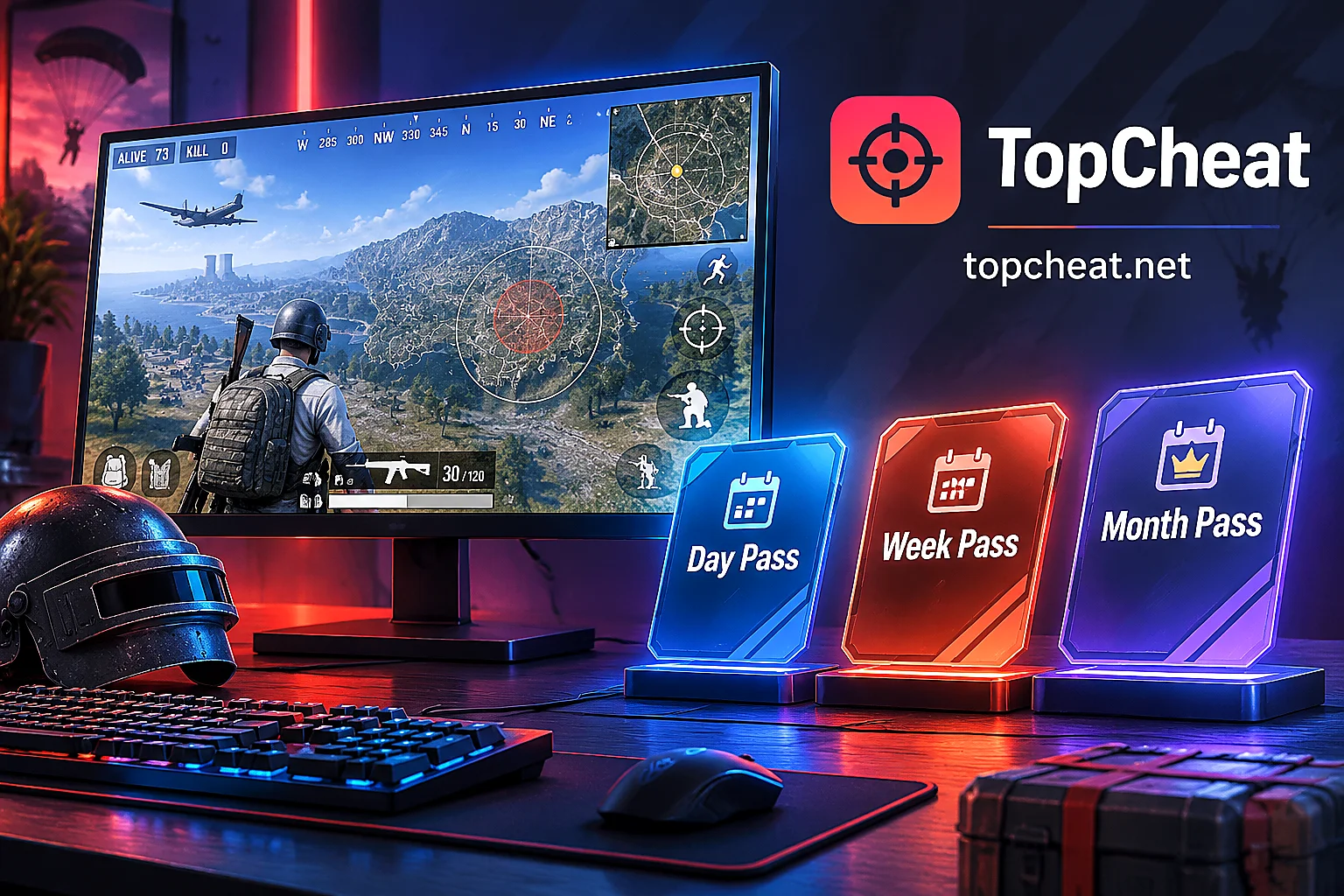
The TopCheat official website divides daily, weekly, and monthly cards by specific game, along with corresponding online customer service entries. If you are trying it for the first time after the 43.2 version update, or only want to experience the feel of magnetic aim and the coordination with ESP/radar during weekend ranked matches, it is recommended to start with a short-term daily card to test compatibility with your computer environment; after confirming that the operating habits and settings are comfortable, then consider a weekly or monthly card. If you have questions about current patch adaptation details or binding rules, you can directly consult and verify through the customer service entry on the product page.


Comments(0)