
PUBG radar cheats are a top-down information tool. They plot the positions of enemy players, vehicles, and other targets on a minimap, letting you know who is nearby and from which direction they are coming without turning your view. It answers the question "where are people," and is not responsible for aiming your crosshair at anyone.
TopCheat's PlayerUnknown's Battlegrounds (PUBG) cheat product page currently publicly lists the following modules: player ESP, vehicle ESP, loot ESP, magnetic aimbot, and radar. Below, in the order readers most frequently ask, we explain: how radar divides work with these modules, when it is useful, what common radar forms exist, and what to verify before ordering.
What problems do radar, ESP, and aimbot each solve?
These three types of features are often lumped together as "tech," but they provide completely different information.
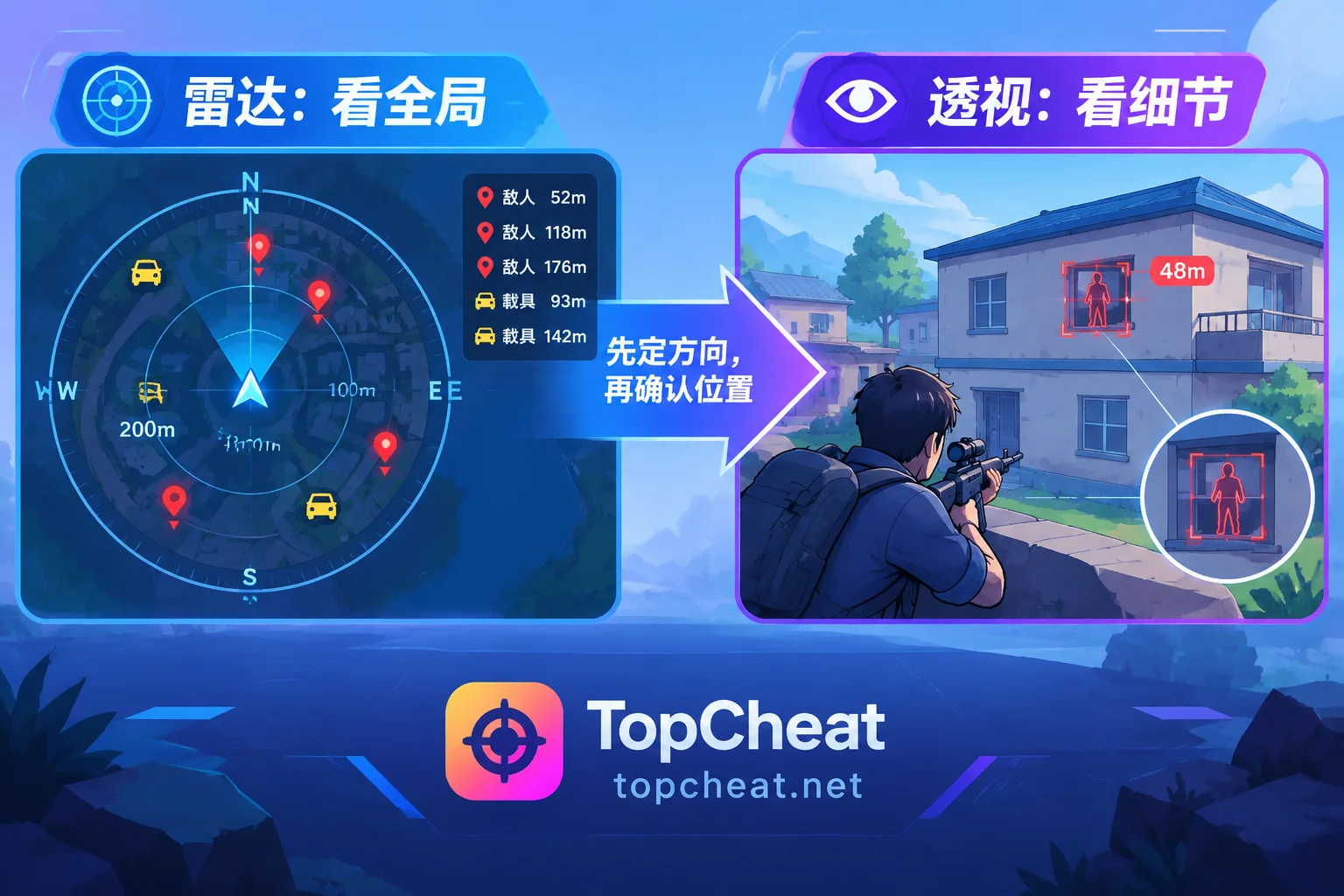
- Radar: Displays target positions on a top-down map, showing the global distribution. Suitable for judging direction, distance, and numbers, such as which side of a building complex has a squad, or whether someone is holding an angle at the circle edge.
- Player/Vehicle ESP: Draws markers directly on targets in the game view, showing specific positions. Suitable for confirming people behind cover, on different floors, or in grass at close to medium range.
- Loot ESP: Marks loot positions in the view, mainly used during the looting phase.
- Magnetic aimbot: Acts on the crosshair, belonging to aiming assistance. It does not provide position information and is a different category from radar.
In practice, radar and ESP are often used together. Radar first tells you "there's a squad about 200 meters to the northeast," then as you approach, ESP confirms which building and which floor they are hiding in. If you only use ESP, you cannot see targets outside your view. If you only use radar, you cannot distinguish height and occlusion at close range.
When is radar most commonly used during a match?
Radar's value is mainly reflected when making route and engagement decisions:
- After landing: Determine how many squads landed in the same area and in which directions, then decide whether to loot or fight first.
- Rotating to the circle: When planning your route into the circle, see where people are on each path, choose to detour in advance, or pick a favorable position to engage.
- Hearing vehicle sounds: Combine with vehicle markers to confirm the direction of approaching vehicles and judge whether they are passing by or coming for you.
- Third-partying: During a firefight, keep an eye on whether other squads are approaching to avoid being cleaned up after a fight.
- Final circle: As the circle shrinks and player count drops, the distribution of each squad directly determines positioning and whom to target first.
Which targets the radar layer can display—such as only players and vehicles, or also loot overlays—and how large the display range can be adjusted, are subject to the current product page description and settings. Do not assume it shows exactly the same content as ESP.
Common radar forms, and why the old "packet-sniffing web radar" is outdated
In the past, standalone second-screen radars or web radars were widely circulated in the PUBG community. These tools displayed the map in a browser on another screen or device, primarily by capturing network packets to read coordinates.
PUBG officially encrypted network packets in Update 7.3 (June 2020), so undecrypted bypass packet capture can no longer obtain real-time coordinates. Therefore, old tutorials still saying "install a packet sniffer, open a webpage, and you can see radar" have very little reference value now.
Radars on the market today generally come in two types: one that overlays a minimap directly on the game screen, and another that displays in a separate interface. The two forms have different hardware requirements—such as whether a second screen or another device is needed—and different usage habits. TopCheat's public materials do not currently specify which presentation method the PUBG radar uses. If this matters to you, please confirm in the product page's update notes before purchasing, or ask customer service directly.
What is PUBG anti-cheat doing in 2026?
Krafton released an anti-cheat roadmap (March) and two developer letters (April, June) in 2026. Key points from public content:
- Continue using BattlEye while deploying its own kernel-level anti-cheat module;
- Introduce AI behavior analysis to monitor memory injection, abnormal drivers, and third-party programs;
- Increase efforts to directly permanently ban violations.
The direct impact on choosing a radar is: any third-party radar carries the risk of account ban, and none can honestly promise "never banned." If you see such advertising, treat it as marketing language only. Whether to use your main account and how much loss you are willing to bear are decisions you need to think through yourself.
Items to verify before ordering
1. Current maintenance and version status
After PUBG updates, cheats usually need re-adaptation. Please first check whether the product page indicates currently available, under maintenance, or updating—do not just look at the feature list.
2. Radar presentation and layers
As explained in the previous section, confirm whether the radar is an in-game overlay or a separate interface, and which targets it can display and whether they can be toggled individually.
3. Platform compatibility
This refers to the PC version of PUBG. PUBG Mobile has a separate page on TopCheat, and its features and supported environment must be verified separately—do not apply the PC version's description.
4. Package and device binding
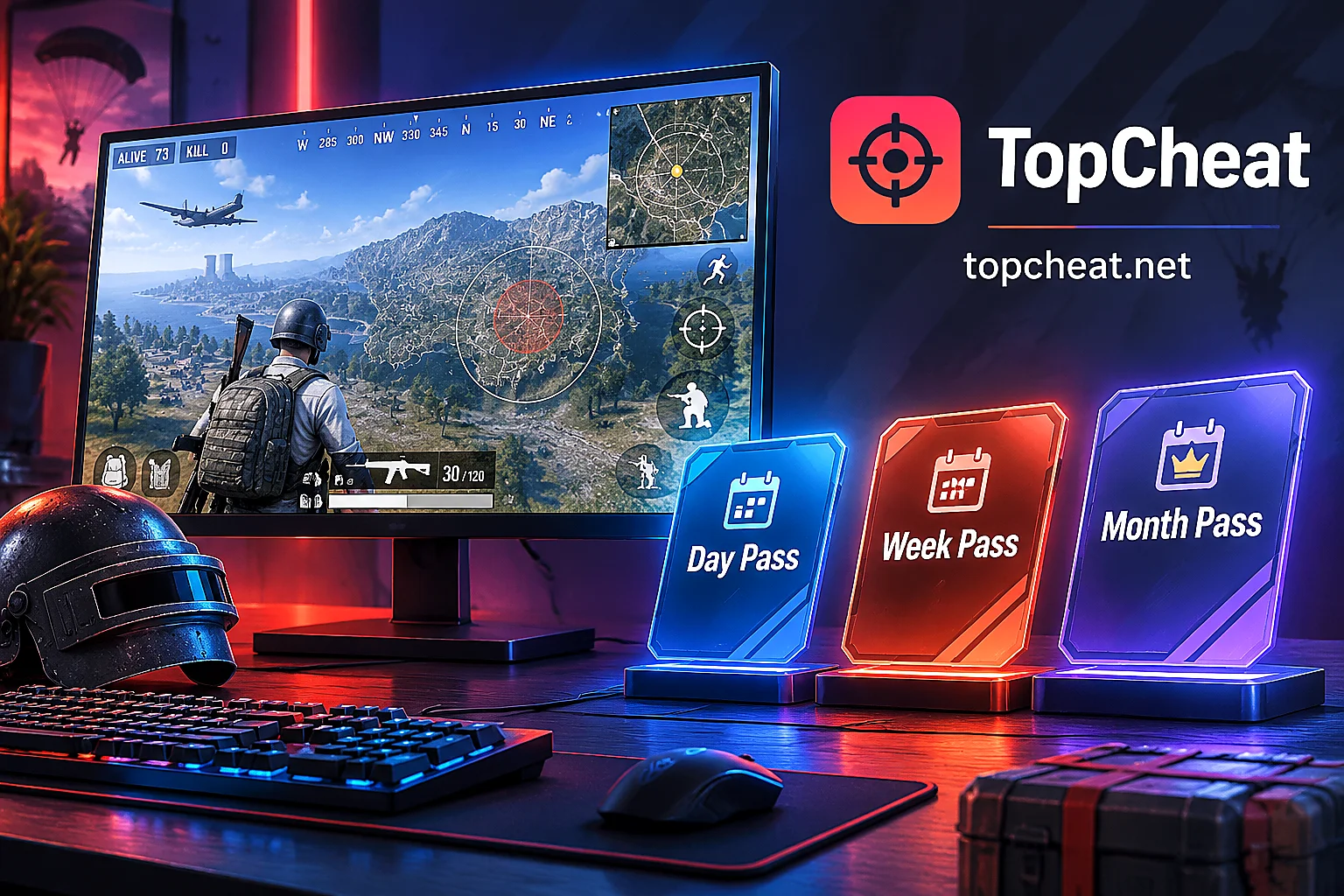
PUBG products are offered as daily, weekly, and monthly cards, with device binding management. Prices, card key scope, and conditions for changing devices or unbinding are subject to the current product page. If you are a first-time user or just caught a major update, you can buy a daily card first to confirm it runs properly before considering a weekly or monthly card.
After verifying these, if you decide to use radar, you can visit the TopCheat PUBG cheat page to view the current descriptions, available packages, and maintenance status of radar, ESP, and aimbot modules.


Comments(0)