
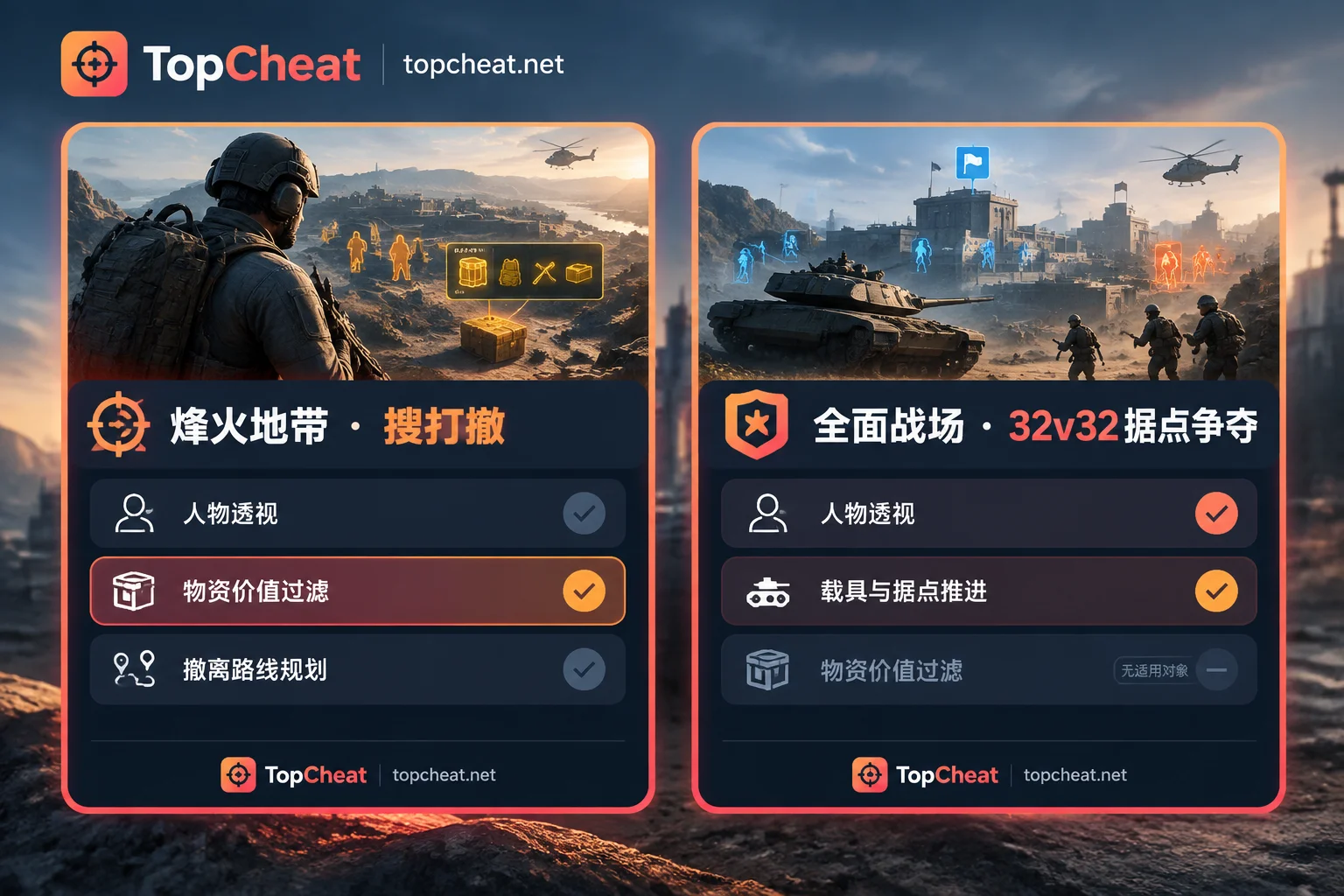
Let's get straight to the point: material filtering isn't about "seeing more things," it's about "seeing fewer useless things." It adds a threshold to the loot ESP layer—items below your set rarity or estimated value simply aren't drawn, leaving only crates worth detouring for and loot worth occupying inventory space. And precisely because it targets loot that can be extracted, this module only makes sense in extraction modes like Firestorm, not in All-Out Warfare.
Why unfiltered loot ESP makes the game harder
In Firestorm maps, interactable item density is high, and white and green household junk and low-tier materials far outnumber truly valuable goods. If markers are all on, the screen gets covered in layers of text and icons: character outlines overlap with loot labels, making it harder to observe enemy movement; inside buildings, every crate needs individual confirmation, slowing down looting.
In Firestorm, this is a real loss—death causes all loot outside your secure container to drop, and every extra second you spend indoors is exposure to risk. That's where filtering's value lies: replacing "see everything" with "see what's worth taking."

Rarity tiers: know the ladder first
In Firestorm, item rarity and per-slot value roughly go from low to high: white, green, blue, purple, gold, red, plus high-value assets like Mandelbricks and mission-exclusive items. The first step in setting a threshold is deciding what tier and above you want this run.
One easily overlooked criterion is value per slot rather than total item price. Backpack space is limited; a medium-value item taking four slots may yield less than two high-value small items taking one slot each. So the threshold shouldn't be based only on "is this expensive" but also on whether it's worth the space in your backpack.
Three types of runs, three setups
Low-budget / new account map learning: cheap gear, death doesn't hurt, goal is steady break-even. Threshold can be lowered to blue, picking up blue items along the way, making back costs through quantity. At this stage, filtering too aggressively can lead to empty-handed extraction.
Full-gear looting runs: high gear cost, low margin for error, time matters more than quantity. Raise threshold to purple or above, even only gold, red, and high-value assets like Mandelbricks. The goal is to compress looting time and free it up for extraction point judgment and route planning.
Mission runs: mission items aren't necessarily high rarity—some are white/green common objects, easily filtered out by rarity thresholds. If the client supports individual marking or custom lists, single out mission items; if only rarity tiers can be adjusted, temporarily lower the threshold before heading to mission points, then raise it back after obtaining the items.
Don't let loot markers steal priority from player ESP
Material filtering is a looting efficiency tool, not a combat solution. What truly affects life and death is enemy position info from player ESP; loot markers become distractions during firefights. In practice, when entering high-conflict areas, temporarily raise the material threshold or disable this display layer, then re-enable after disengaging. Keeping both layers always on trades looting efficiency for combat information readability.
This module is useless in All-Out Warfare
The two core modes of Delta Force have completely different needs. All-Out Warfare is large-scale point capture, revolving around capturing points and vehicle pushes, with no mechanism to extract in-match loot—so there's no "valuable materials" to filter. In this mode, what's valuable is enemy position info; material filtering has no target to act on.
So before picking features or buying a card, first determine which mode you mainly play: if you main Firestorm, material value filtering is one of the core modules; if you main All-Out Warfare, evaluation should focus elsewhere. This "mode first, then modules" approach applies to other games too, like How to Choose CS2 Cheats: Pick Your Game Mode First, Then the ESP/Aimbot/Radar Combo which talks about the same thing.
What to verify before ordering
The Delta Force product page on the official TopCheat website publicly lists features including player ESP, material value filtering, aimbot, and HWID protection. What to confirm:
- Specific form of filtering: does it only adjust tiers by rarity, or support custom item lists/value thresholds? This determines how convenient handling "mission runs" above is. Check the product page or ask support.
- Current version compatibility: whether features work after game updates, maintenance status—refer to current official status, don't rely on conclusions from old articles.
- License and binding rules: daily, weekly, monthly cards are divided by game; prices, license scopes, and device binding/unbinding conditions differ per game. There's no universal card across games.
Features and current status can be verified on the TopCheat Delta Force cheat product page.
Common misjudgments
Higher threshold isn't always better. Only showing red/gold looks clean, but you might encounter nothing in a run. Most of the time, starting at purple is a stable balance between efficiency and profit.
Don't treat fixed values from guides as hard thresholds. Item prices fluctuate with version adjustments and in-match market; using specific numbers for thresholds requires frequent updates; rarity tiers are simpler, and handle obvious outliers individually.
Filtering doesn't change any game rules. It only affects what's displayed on your screen; death still drops everything outside your secure container. Insurance and extraction route planning are still essential.
Filters from different games aren't interchangeable. Escape from Tarkov and Arc Raiders also have similar loot value/rarity filters, but their item systems, tiering methods, and product implementations differ. Settings concepts can be referenced, but specific tiers and feature descriptions should be checked on the corresponding product page.



Comments(0)